Items, Platforms, Enemies, and Cel Shading
Coding 1 » Devlog
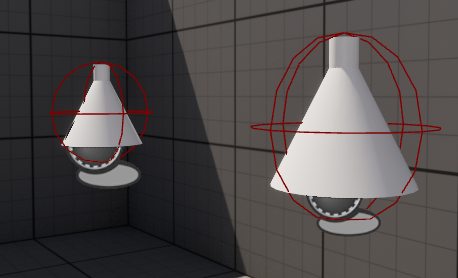
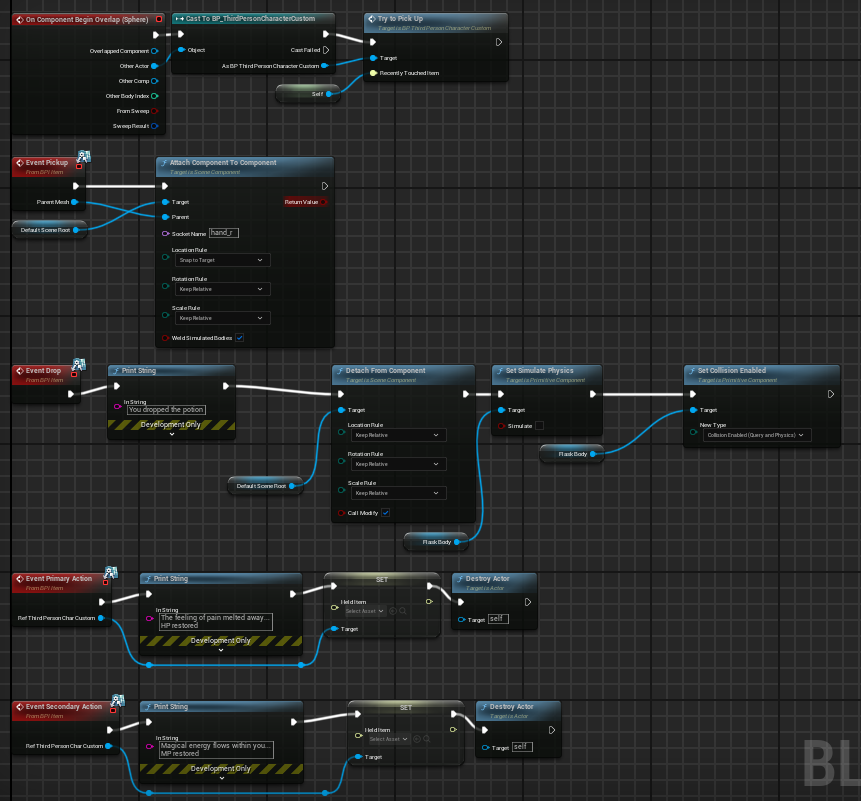
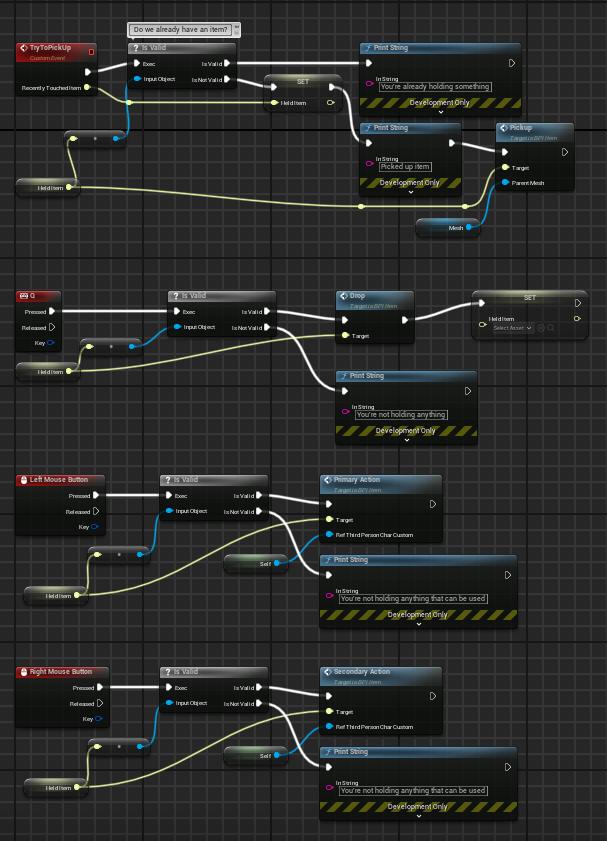

- Items
- You can run up to items and hold them in your hand!
- How it works...
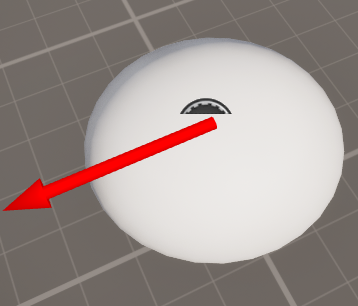
- 1. Items have these sphere colliders around them
- 2. When overlapped, the item will parent itself to your hand
- This only works with potions
- How it works...
- You can also left-click, right-click, or press Q to drop them!
- How it works...
- 1. If an item can be used, it will disappear when the user left-clicks or right-clicks.
- 2. If the user tries to use an item without holding something, the game will notify the user that they're not holding anything
- This ALSO only works with potions
- How it works...
- 2-in-1 potions
- Left-click to heal yourself or right-click to replenish mana
- They don't actually do this stuff; They send a message saying they do, but they don't. Please pretend they do.
- You can run up to items and hold them in your hand!
- Moving Platforms
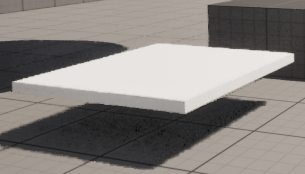
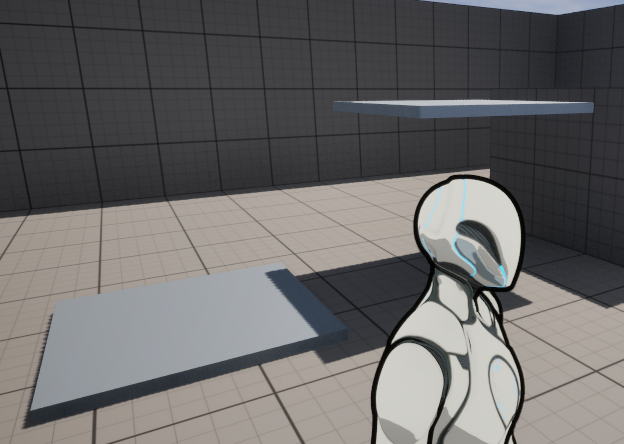
- Stand on them and go for a ride! (Please, they're very fun. I promise. :'D )
- How it works...
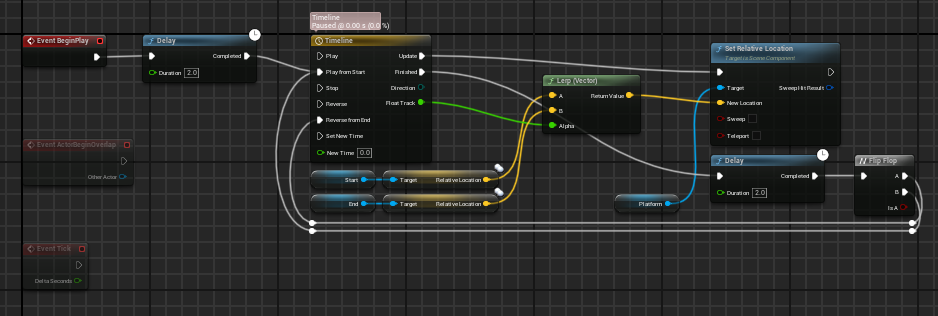
- 1. The platform has two static meshes/empty game objects that act like Point A and Point B
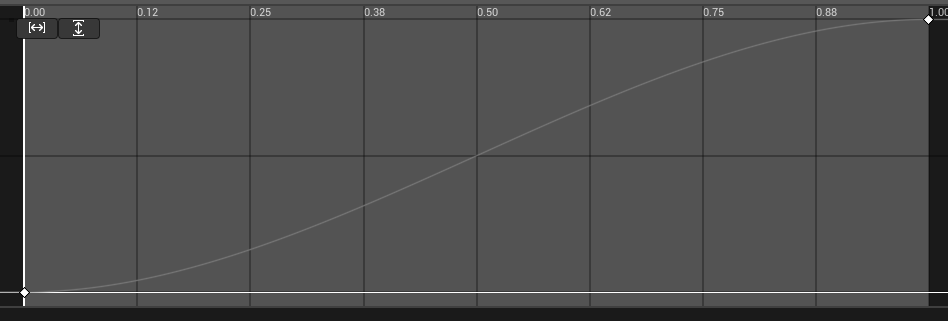
- 2. The platform moves from each static mesh after 2-second intervals
- Falling Platforms
- Don't stand on them for too long; they will collapse in a second!
- How it works...
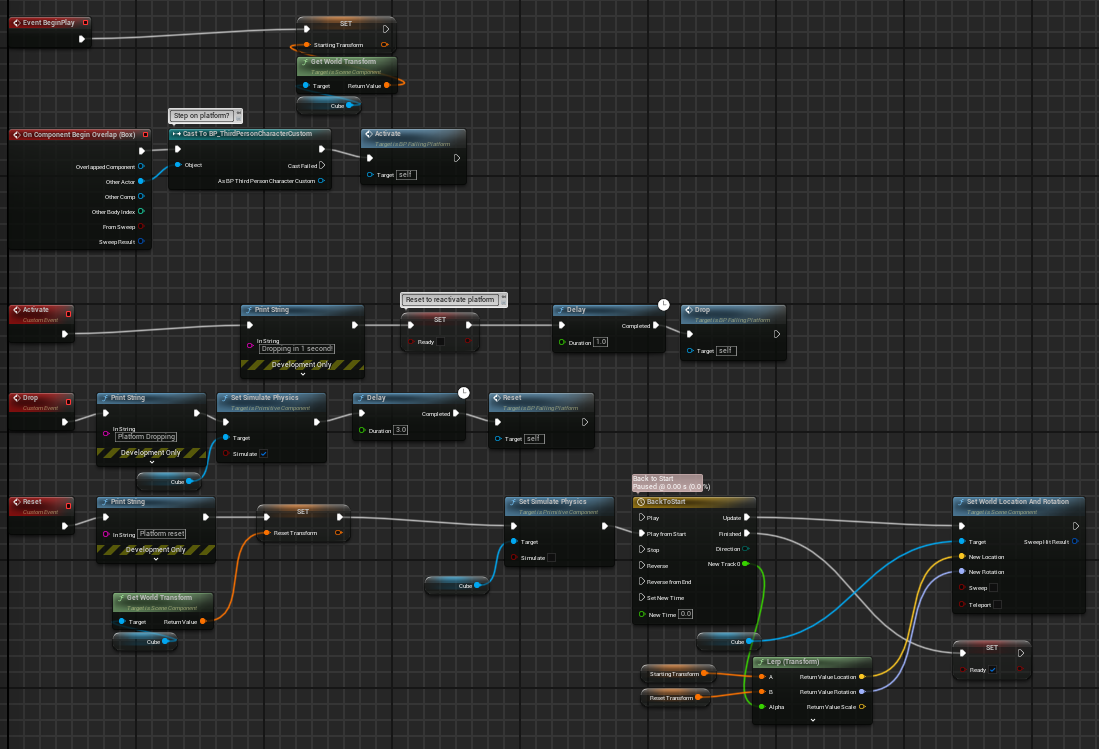
- 1. This platform has a box collider around it
- 2. When overlapped by the player standing on the platform, the platform will fall to the ground after a second by enabling its physics
- 3. After 2 seconds, the platform will go back to its original position
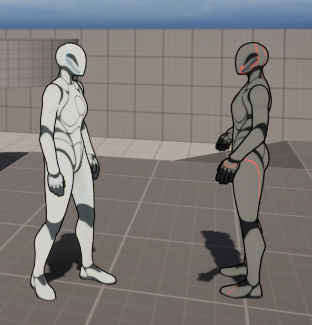
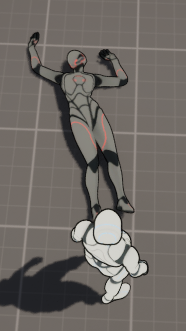
- ENEMIES!!! (they don't do anything)
- Assert your dominance by running into them and shoving them to the ground!
- They'll respawn after everyone's defeated, so push as many as you like!
- How it works...
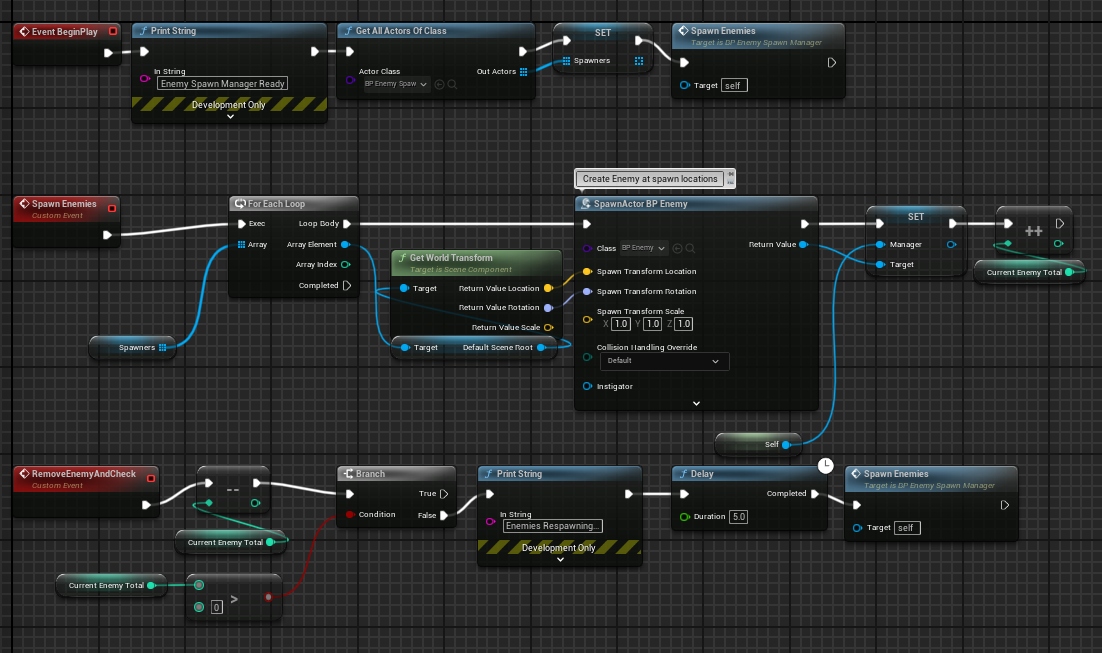
- 1. Enemies have these capsule colliders that when overlapped, the enemy will tumble and ragdoll before disappearing after 2 seconds
- 2. There is a respawn manager that checks if there are enemies are still in the map.
- If it detects that all enemies have been defeated, the respawn manager will respawn all the enemies and the spawn points after 5 seconds
- If it detects at least 1 enemy in the map, it will do nothing.
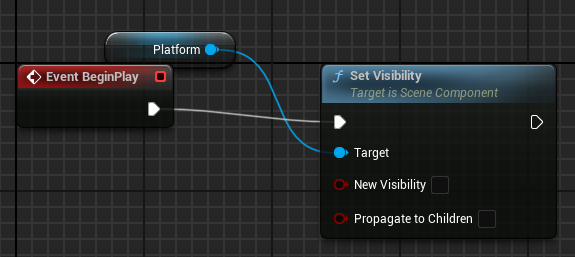
- 3. Oh, and the spawn points are invisible.
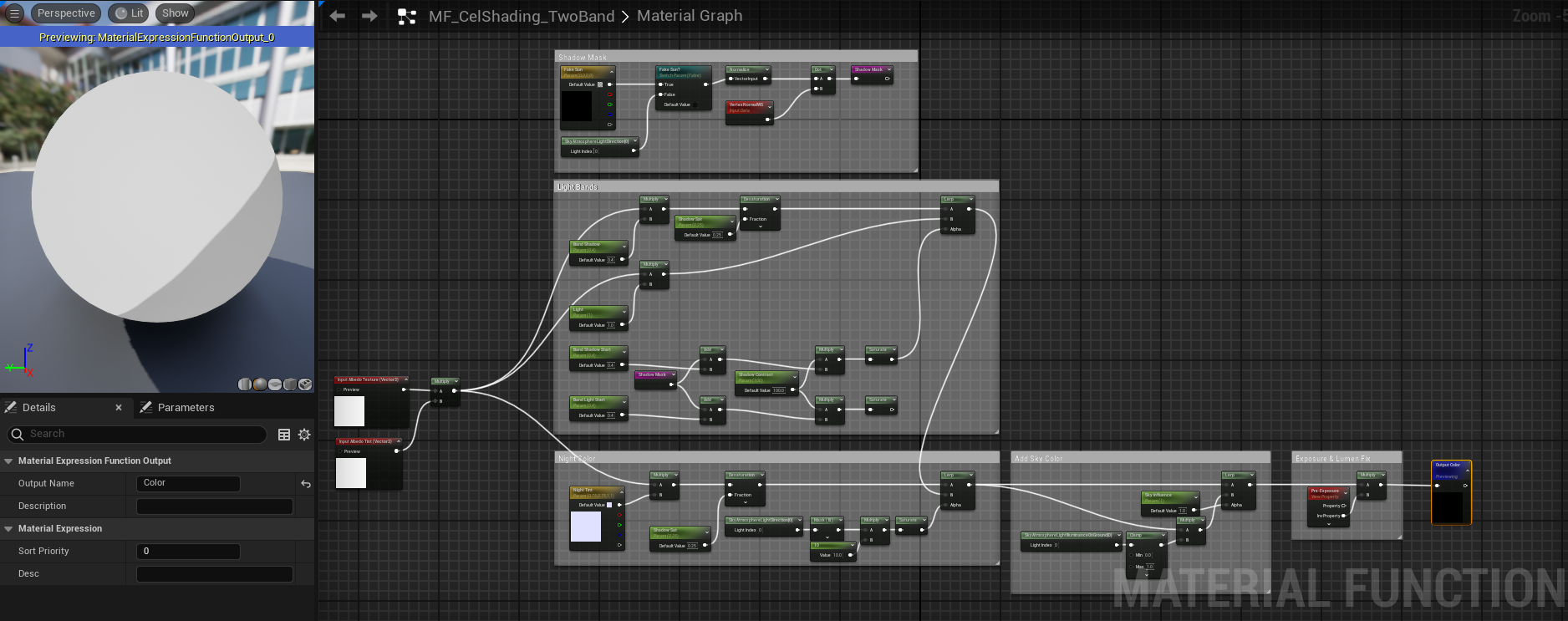
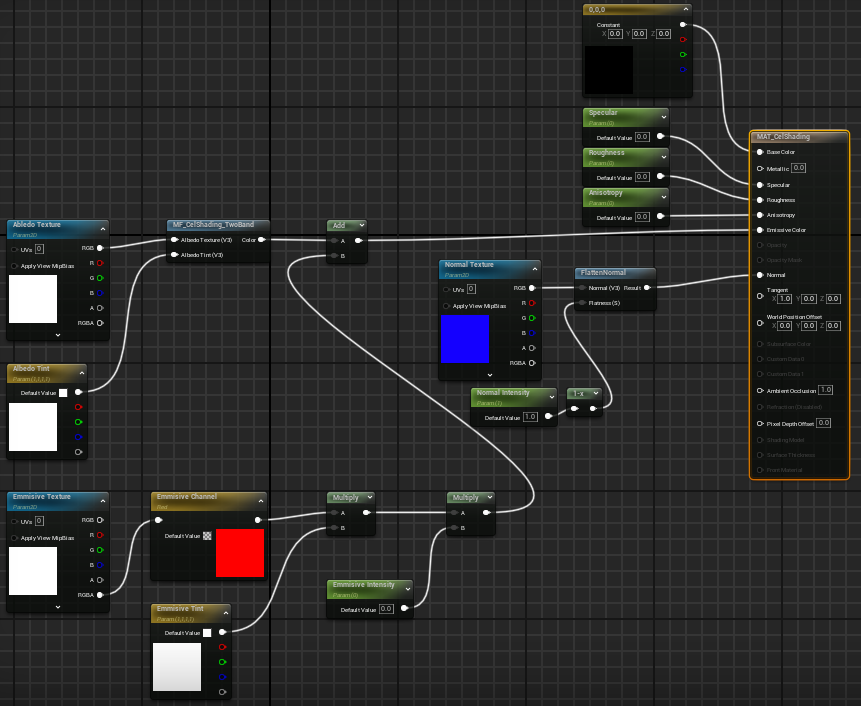
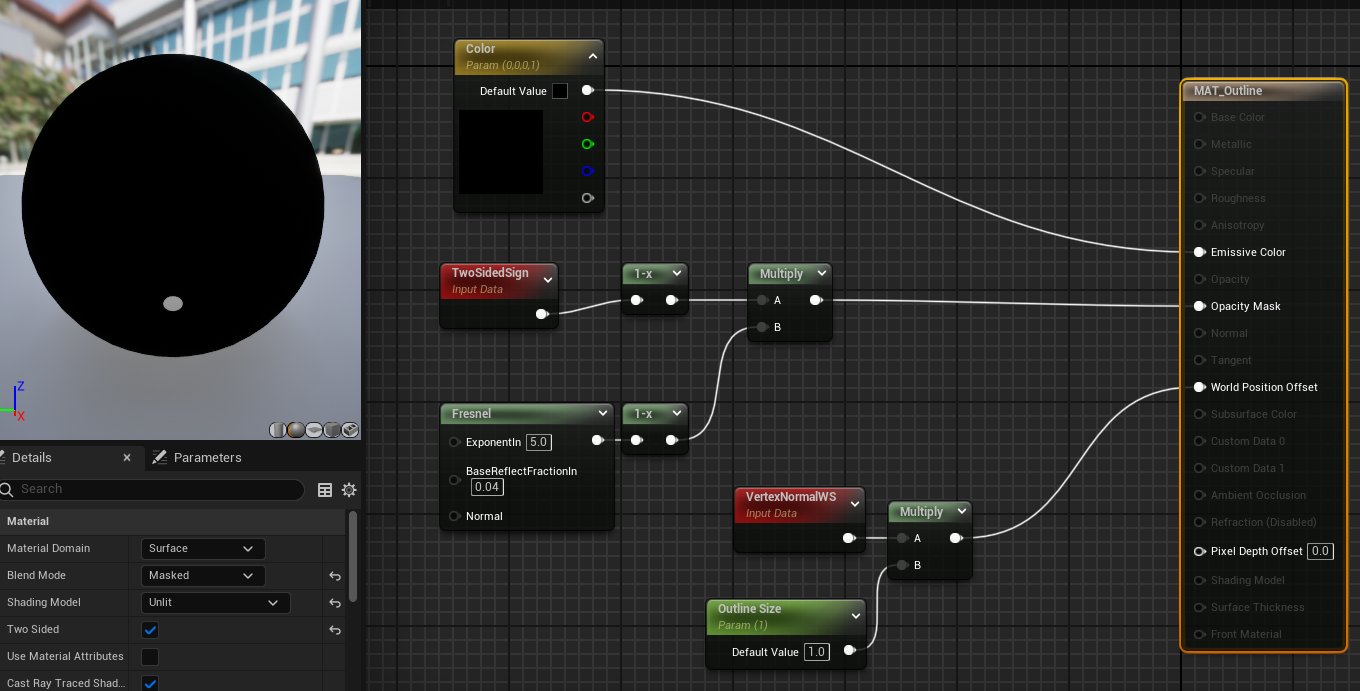
- Cel Shading!
- I love Cel Shading, ok? Let me have this.
- I'ma be honest, I don't know how this works. I made this following a tutorial, and I was too busy getting giddy over having cel shading to pay attention how it worked.
Files
Coding1.zip 761 MB
Jul 22, 2025
Get Coding 1
Coding 1
An unreal project showcasing lessons I learned in my Coding 1 class.
More posts
- Main Menu, HUD, & CheckpointsJul 23, 2025
- Keys & DoorsJul 23, 2025
Leave a comment
Log in with itch.io to leave a comment.